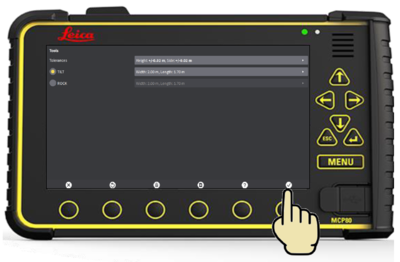
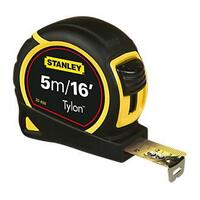
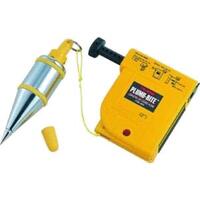
Minimum tools required:
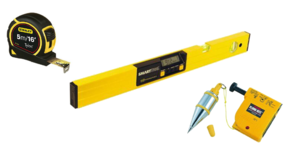
Bucket Calibration
Process of calibrating a bucket:
- Select
 from RUN screen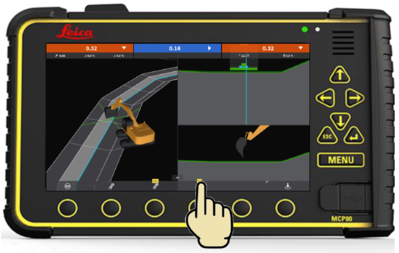
- Select

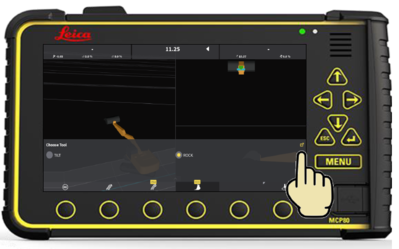
- Select
 next to the bucket you would like to recalibrate. (Select
  to add a new bucket)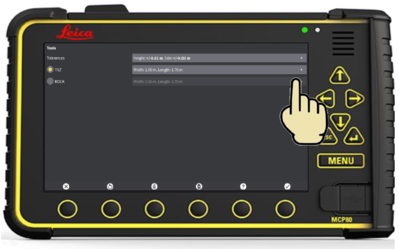
- Edit bucket name if required, then select

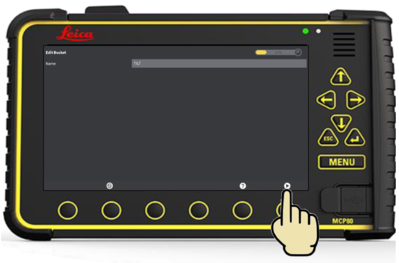
- Select
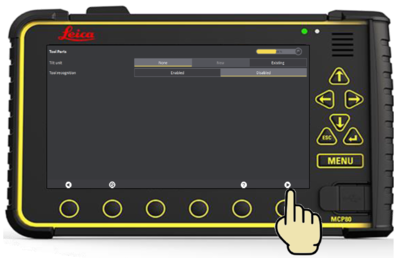
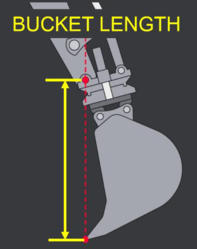
- Enter bucket length, width, then select
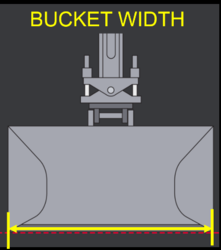
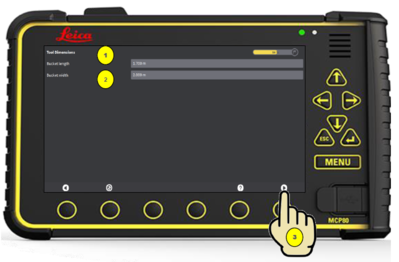
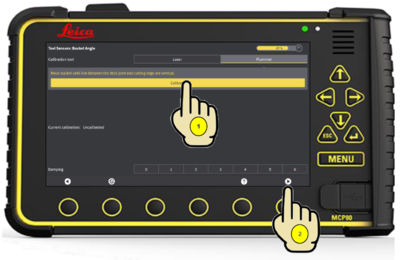
- Select "Plummet"
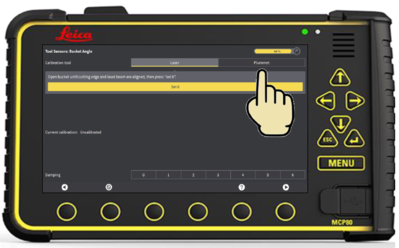
- Position Bucket:
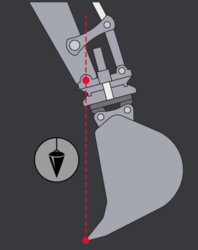
- Select "Calibrate" then

- Position Bucket:
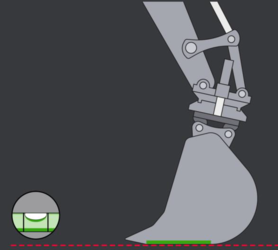
- Select "Calibrate" then

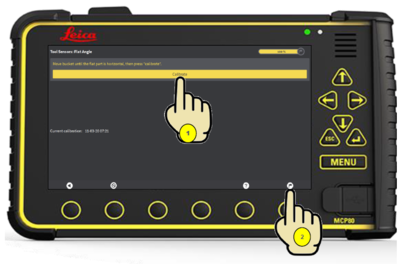
- Select

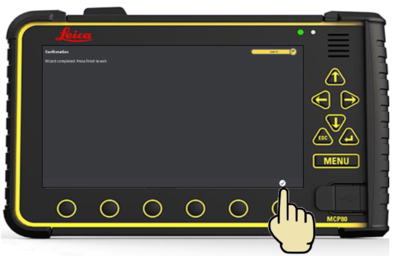
- Select